QR Code Menu at the Table: How to Improve the Restaurant Customer Experience
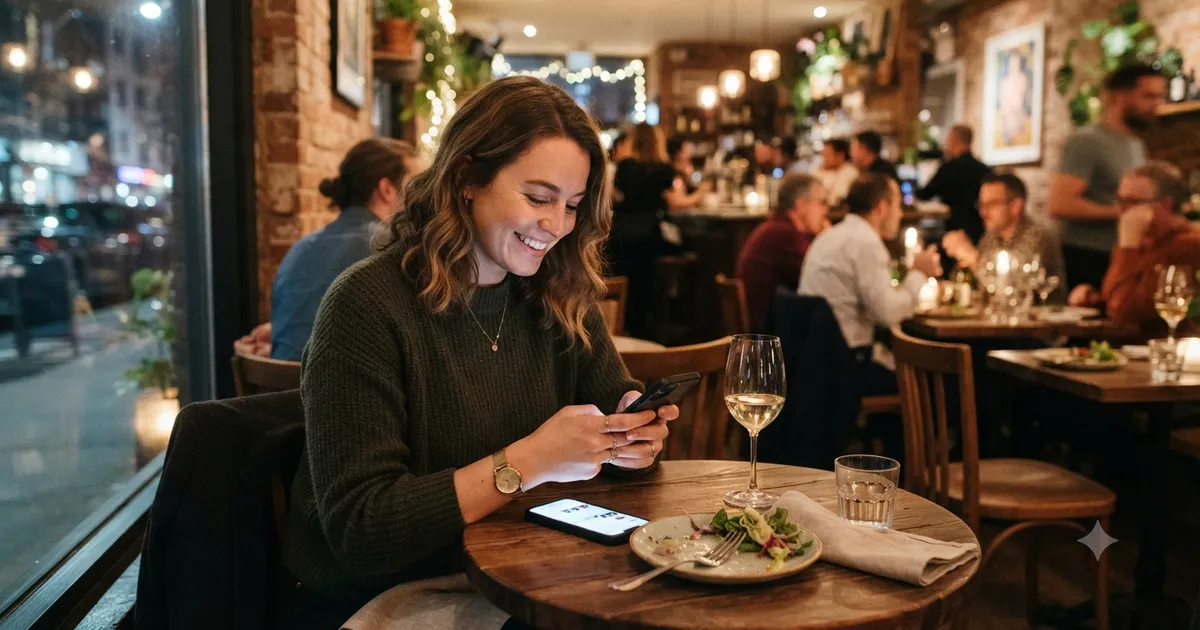
A QR code does not improve the guest experience by itself. What matters is what happens after the scan: a fast, clear, mobile-friendly menu that helps people decide.
Putting a QR code on a restaurant table is easy. Making it genuinely useful to guests is a different problem.
The code can be perfectly printed and still create a poor experience: a guest scans it, waits for the page to load, opens a PDF that is difficult to read, cannot find the drinks, and ends up asking the server for a paper menu.
That is why the most important question is not “How do I put a QR code on the table?” It is “What does the guest find after scanning?”
Recent research on digital menus connects information quality, ease of use, and interactivity with satisfaction. Other research has also found that perceived inconvenience can hurt the experience when QR menus are introduced without enough attention to how guests actually use them.
In other words, a QR code should be an easy entrance to the menu — not another obstacle between the guest and the restaurant.
The QR code is only the beginning
A QR code is not the menu. It is simply the path to the menu.
After scanning, a guest should be able to quickly:
- confirm they are in the right place;
- find menu categories;
- identify dishes that look appealing;
- understand ingredients and sides;
- see prices without searching;
- move between categories easily;
- find important information such as allergens;
- switch languages when needed.
If the guest has to zoom, wait several seconds, or navigate a page designed for a desktop computer, the problem is not the QR code. It is the experience behind it.
1. Start with the phone, not the QR code
A common mistake is printing the QR code before testing the menu on a phone.
Do the opposite.
Open the page guests will see and test it on a normal smartphone over a normal mobile connection. Do not test only on a fast office computer.
Pay attention to:
- how quickly the page appears;
- whether dish names and prices are readable;
- whether categories are easy to find;
- whether images load without making the page heavy;
- whether guests can go back without getting lost;
- whether the menu works comfortably on small screens.
A useful test is to hand the phone to someone who has never seen your menu and say: “Find a starter, a main course, and a dessert.”
Do not explain where to tap. Watch what happens.
Every question they ask is a possible usability improvement.
2. Do not turn the QR code into a cramped PDF
One of the most common ways to build a QR menu is to put a PDF of the printed menu behind the code.
That solves access, but it does not necessarily solve the customer experience.
A PDF designed for A4 paper usually requires zooming, dragging, and searching through small blocks of information. A page designed specifically for mobile navigation can be much easier to use.
Instead of thinking “How do I digitize my printed menu?”, think “How should my menu work when someone is holding a phone?”
The guest is not reading a document. They are deciding what to eat.
3. Organize categories to reduce uncertainty
Imagine a guest who has just sat down.
They open the menu and see a list of 60 dishes.
Now imagine that the first screen shows:
- Starters
- Mains
- Burgers
- Pasta
- Desserts
- Drinks
The second situation gives the guest a clearer starting point.
Categories are not only visual organization. They help guests build a mental map of what the restaurant offers.
Avoid internal labels that make sense only to staff. “Premium Line 2” may work inside your operations, but “Main Courses” is clearer to someone sitting at the table.
4. Put useful information next to the dish
Guests should not have to open three screens to find the price of a dish.
Each item should answer the obvious questions quickly:
What is it? What does it cost? What comes with it?
For example:
Char-grilled chicken with garlic rice, roasted vegetables, and house herb sauce.
is more useful than:
Grilled chicken.
You do not need long descriptions. One or two concise sentences are usually enough.
The same applies to relevant ingredient information. If a dish contains shrimp, nuts, or another important ingredient, that information should be easy to find.
5. Use food photography to help decisions
Food photography can be one of the strongest parts of a digital menu when the image helps guests imagine the real dish.
Prefer:
- photos of the food you actually serve;
- good lighting;
- consistent framing;
- images that remain clear on a phone;
- photography for dishes that benefit from visual explanation.
You do not need a photo for every item.
If your restaurant has 40 dishes and you can photograph only 10 well, start with the ten that matter most to the business.
Avoid using a perfect stock photo to represent a dish that looks different when it reaches the table. The expectation created by the image is part of the guest experience.
6. Make the QR code feel like part of the restaurant
A QR code does not have to look like an improvised sticker.
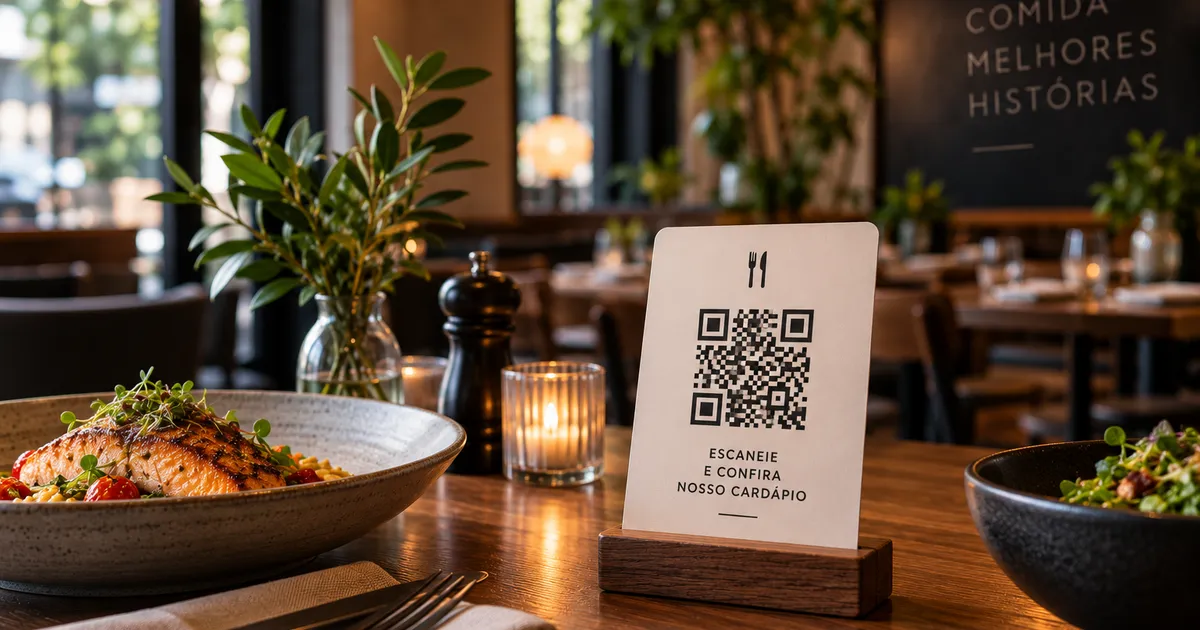
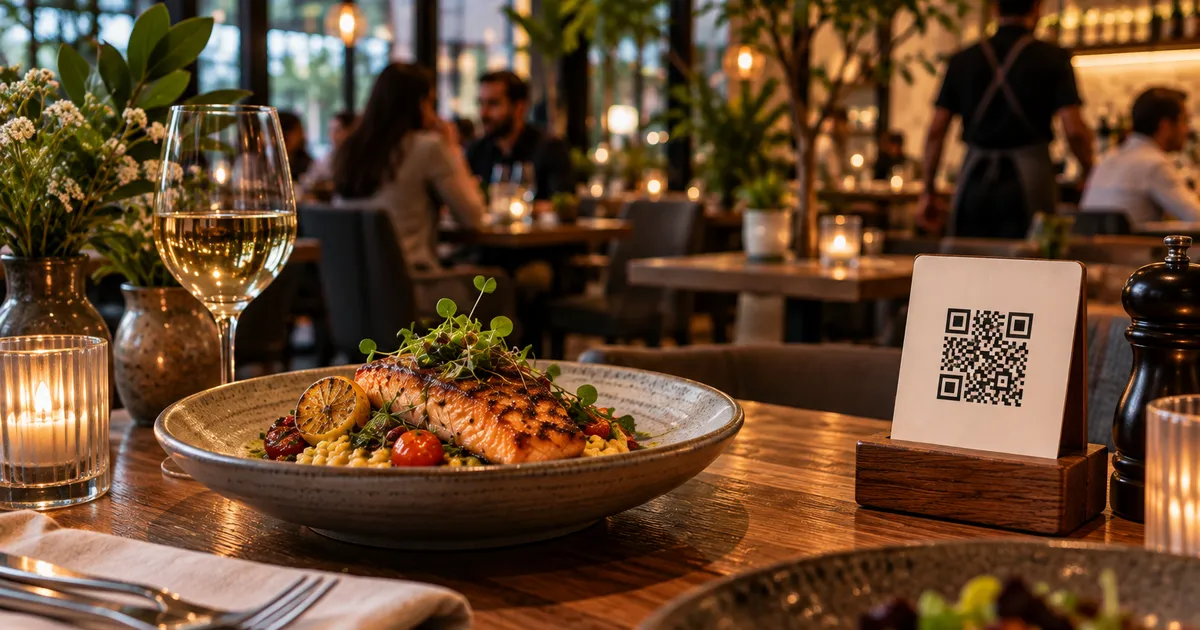
A small tabletop holder can match the restaurant’s materials, colors, and atmosphere.
But it does not need to become a giant advertisement.
The goal is simple:
“This is where I find the menu.”
A short instruction such as “Scan to view the menu” can remove uncertainty, especially for guests who do not regularly use QR codes.
Do not place the code behind a vase, under a napkin holder, or somewhere that will be covered by plates and glasses.
7. Test the QR code in real restaurant conditions
A code that works perfectly on a computer screen may not work well at the table.
Test it during the hours when your restaurant actually operates.
Check:
- low lighting;
- reflections on the printed material;
- distance between phone and code;
- print size;
- wear and tear;
- the code’s position relative to the guest.
Test more than one phone as well.
Then sit at a table like a real guest and scan the code without moving anything on the table.
If you have to lift the holder, move a centerpiece, or lean across the table to find it, there is probably a simple physical improvement available.
8. Do not force every guest to use the QR code
This matters.
A digital menu can be excellent and still not be the best option for every guest.
Someone may have a dead battery, poor connectivity, difficulty using a phone, or simply prefer traditional service.
Hospitality means having an alternative without turning that preference into a problem.
Some restaurants keep a small number of printed menus available. Others simply train staff to help when a guest does not want to use the QR code.
The technology should make service easier, not turn the restaurant’s preference into a requirement for the customer.
9. Use QR codes beyond the table
The table is only one possible touchpoint.
Depending on the business, a QR code can also work:
- at the entrance;
- at the counter;
- near the queue;
- on takeaway packaging;
- in waiting areas;
- in hotels and guesthouses that want to direct visitors to the restaurant menu.
But do not assume that one QR code should serve every purpose.
At the table, the goal is usually menu access. On packaging, the goal might be to show an updated menu or encourage another visit. At the entrance, the QR code can help someone check the menu before deciding to come in.
The touchpoint changes. The experience should change with it.
10. Keep the menu alive
One of the biggest operational advantages of a digital menu is the ability to update content without printing dozens of new copies.
Use that advantage.
If a dish is sold out, update it. If the price changes, update it. If a description is confusing, improve it. If a photo no longer represents the dish, replace it.
Few things create more confusion than scanning a QR code and finding a price that is different from the one the staff just mentioned.
A digital menu should be treated as part of the restaurant operation, not as a project that ends when the QR code is printed.
11. Think about accessibility from the start
A usable menu should also consider guests with low vision, motor difficulties, or anyone who cannot use a QR code at that moment.
Simple practices help:
- comfortable text sizes;
- sufficient contrast;
- buttons and links that are easy to tap;
- direct language;
- important information that does not rely on color alone;
- an alternative to the QR code when needed.
Accessibility is not only a technical concern. It is part of hospitality.
12. If you serve tourists, consider other languages
A foreign guest can scan the QR code perfectly and still be unable to choose a dish.
Dish names, descriptions, and ingredient information are part of the buying experience.
If your restaurant regularly serves tourists, English or Spanish can remove an important barrier. The guest does not have to point another translation app at the menu and guess what each dish means.
For more on this problem, read our guide to multilingual hotel menus.
The best QR code almost disappears from the experience
It sounds strange, but a good QR code should barely matter after the guest uses it.
It should simply support this sequence:
sit down → scan → open the menu → find what you want → decide.
The fewer obstacles in that path, the better.
That is why a beautiful QR code cannot compensate for a slow page, an unreadable PDF, or a disorganized menu.
The code is only the door.
QR menu testing checklist
Before placing the codes on every table, test the following:
- [ ] The QR code opens the correct menu.
- [ ] The page loads quickly on a phone.
- [ ] Categories are understandable without help.
- [ ] Name, description, and price appear together.
- [ ] Photos represent the actual dishes.
- [ ] Important ingredient information is easy to find.
- [ ] The menu works well on small screens.
- [ ] The code scans reliably in real restaurant lighting.
- [ ] The holder is not hidden behind table objects.
- [ ] There is an alternative for guests who cannot or do not want to scan.
- [ ] Prices and dishes are up to date.
- [ ] Another language is available if the audience needs it.
How a digital menu supports this operation
With Qrdapio, restaurants can organize menus into categories, add dishes, descriptions, and images, and publish a mobile-friendly page accessed through a QR code.
This lets the QR code stay in the same place while the menu content changes. You do not need to reprint the table display just because the price of one dish changed.
If you are starting from scratch, our guide to creating a free digital menu covers the basics. Once the menu is live, our guide to creating a restaurant menu that sells more can help you review the commercial side of the menu.
Technology is useful because it removes repetitive work. But the quality of the experience still depends on restaurant decisions: what to show, how to organize it, what to explain, and how to help guests who need assistance.
Frequently asked questions
Does a QR code replace a printed menu?
Not necessarily. Some restaurants go fully digital, while others keep a few printed copies available for guests who cannot or do not want to use a phone.
Where should a restaurant place its QR code?
At the table, it should be visible, stable, and easy to scan without moving other objects. The best position depends on the table and restaurant layout, so test it in real service conditions.
Is a QR code that opens a PDF enough?
A mobile-friendly web page is usually easier to navigate than a PDF designed for print. The important point is that guests can read, browse, and find dishes without constant zooming and dragging.
Should a restaurant offer more than one language?
It depends on the audience. If you regularly serve tourists or international customers, English and Spanish can make dish and ingredient information much easier to understand.
Does the QR code need to change when the menu changes?
Ideally, no. The printed code should continue pointing to the same menu address while you update the content behind it. That way, a price change does not require new QR codes.
Conclusion
A QR code on the table is not a customer experience strategy by itself.
It is a tool.
The result depends on what happens after the scan: speed, organization, clarity, food photography, accurate prices, accessibility, languages, and human support when needed.
If guests can sit down, scan, and find what they need without asking for help to navigate the menu, the QR code is doing its job.
And when technology gives guests more freedom to choose without making service feel less human, it starts to make real business sense.