An açaí shop menu
With every extra at the right price
Sizes, combos, twenty extras. Ran out of strawberries or milk powder went up? Change it from your phone, no more tape.
You're still paying for
the same problem every week.
At least one of these is happening to you right now.
Twenty extras and each one has its own price
Granola, condensed milk, paçoca, strawberry. When one goes up, the wall menu is wrong and the customer insists on the price they read.
A menu taped to the wall
It peels off, yellows and disappears behind the freezer. People in line can't read it from afar and ask everything at the counter.
The fruit ran out and the cup is already built
You ran out of strawberries mid-afternoon. The customer already chose, you explain, they redo their pick and the line stops.
Built for how you actually run the place.
Extras in a list, sizes front and center
Show sizes and combos prominently and keep extras in a simple list. Guests build their cup on their phone while they wait.
Mark the fruit that ran out
Out of strawberries or granola? Mark it sold out and the extra shows greyed out, with no explaining one by one.
Change an extra's price in seconds
Milk powder went up? Change just that item. No reprinting the whole menu over one real.
A cup photo that makes people want one
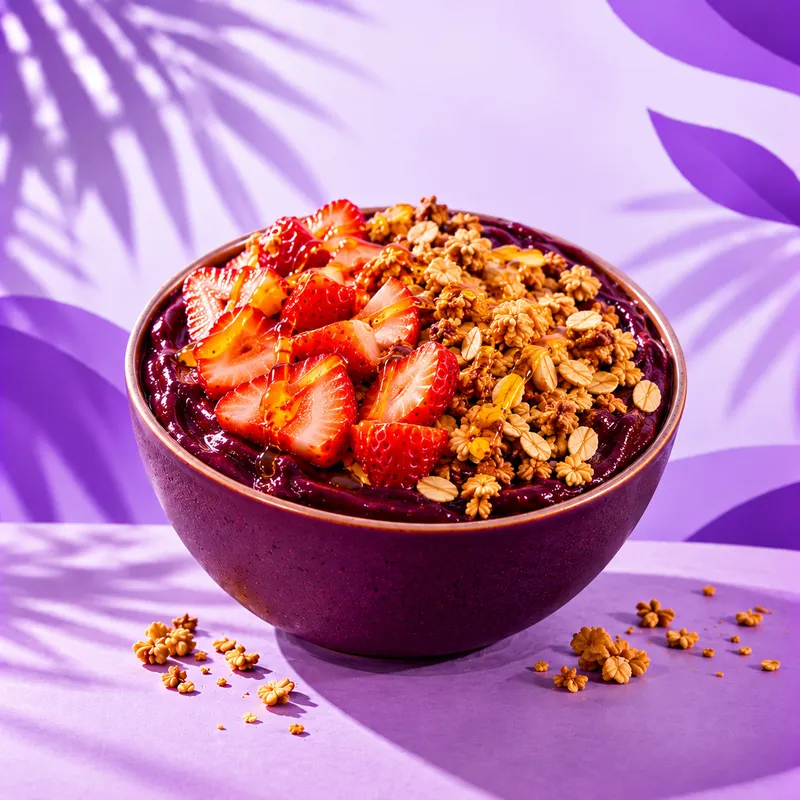
Add photos to the house combos. A beautiful cup with syrup running down sells more than any description.
Menu in Portuguese, English and Spanish
An açaí shop near the beach or a hotel? Tourists switch the language on their own phone and understand what goes in the cup.
One QR code at the counter and the line
Stick the code on the counter, the display and the line. Guests reach the counter already knowing what to order.
From zero to QR code in 3 simple steps.
Your physical QR codes stay the same, even when your menu changes.
Build your menu
Snap a photo of your paper menu and let the AI fill it in, or type it yourself if you'd rather. Takes less than 10 minutes, promised.
Print Your QR Code
Download, print, and stick it on your tables. This is the last time you will ever print anything menu-related.
Update whenever you need
Price changed? Open it on your phone and change it. The QR code already shows the new price to everyone.
Snap a photo of your paper menu.
We turn it into a digital menu.
Skip typing every dish by hand. Take a photo, review it, and publish.
Your menu,
live in seconds.
This is exactly what your customers see when they scan your QR code: a fast, beautiful menu that needs no app.

Açaí do Porto
Açaí Shop
Creamy açaí blended to order, with the toppings you choose. Build your cup just the way you like it.
Açaí Cups
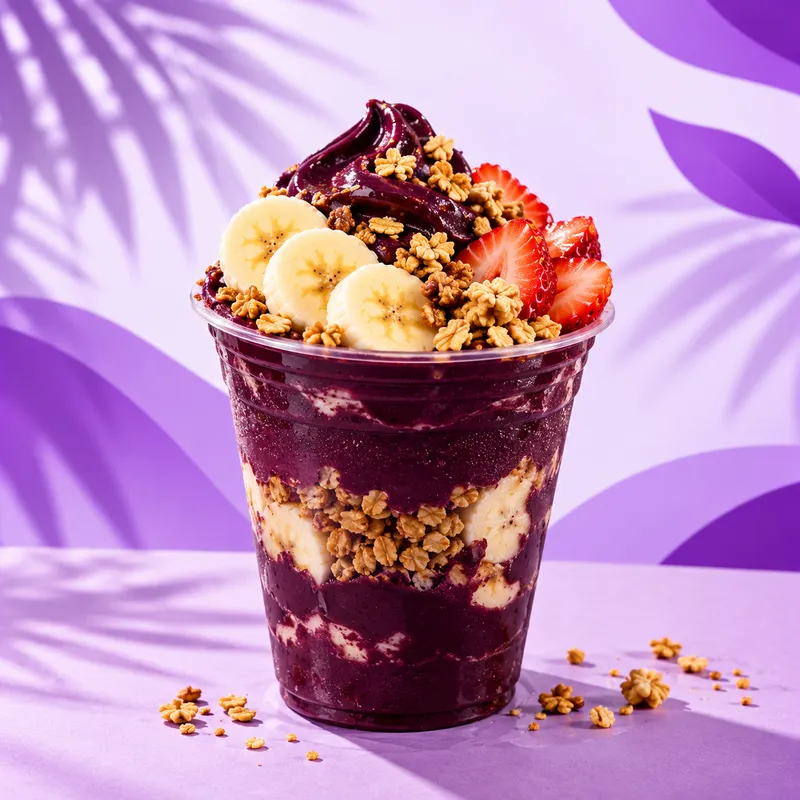 R$ 16,00
Açaí 300ml
Plain açaí with two toppings of your choice
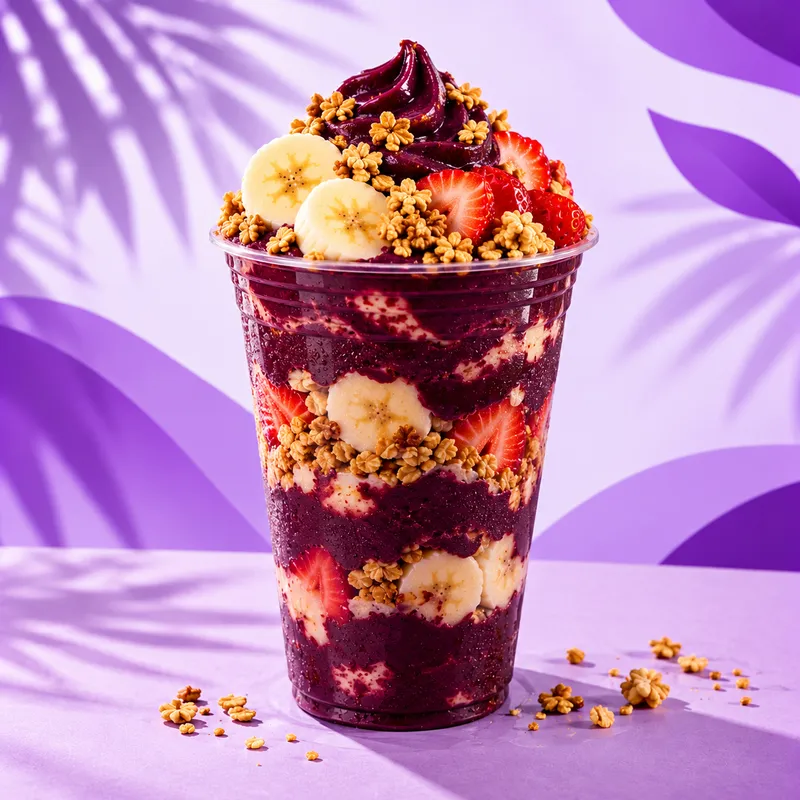 R$ 22,00
Açaí 500ml
Plain açaí with three toppings of your choice
House Combos
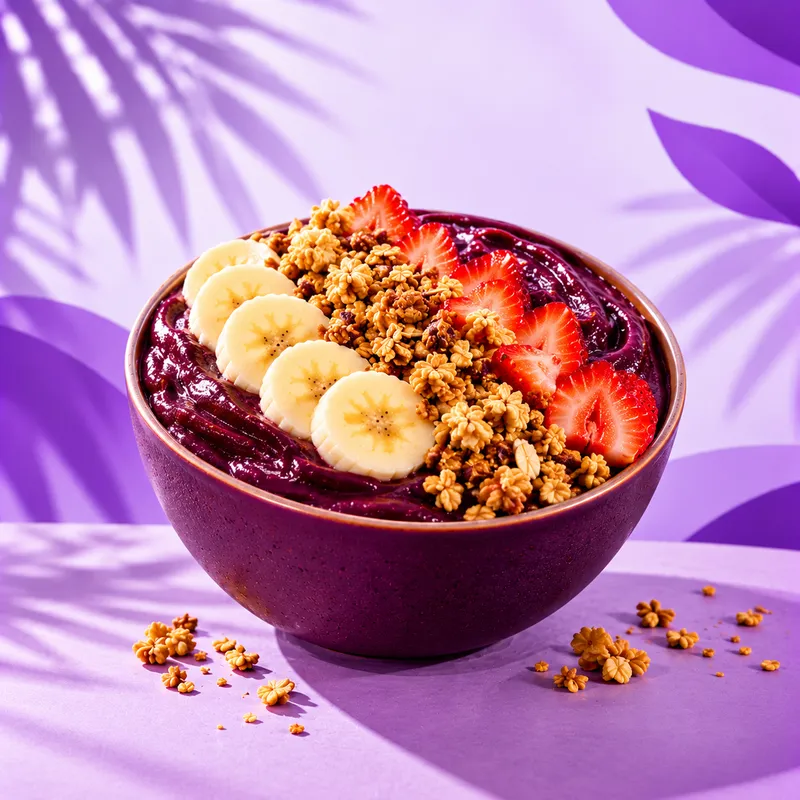 R$ 24,00
Classic Açaí
500ml with granola, banana and condensed milk
 R$ 26,00
Fit Açaí
500ml with sugar-free granola, strawberry and honey
Start free. Pay only when you grow.
Free
Try it with no commitment. No expiration date.
- Up to 10 items
- 1 language (PT, EN or ES)
- 1 AI menu scan
- QR code
- "Powered by qrdapio.com" watermark
Pro Yearly
15 days free, then R$ 238,80/year.
Never pay to reprint your menu again.
- Unlimited items
- 3 languages (PT, EN, ES)
- 10 AI menu scans/month
- 10 AI menu translations/month
- 4 more menu layouts
- No watermark
Pro Monthly
15 days free, then R$ 29,90/month.
Never pay to reprint your menu again.
- Unlimited items
- 3 languages (PT, EN, ES)
- 10 AI menu scans/month
- 10 AI menu translations/month
- 4 more menu layouts
- No watermark
Frequently Asked Questions
Can I list extras separately from the combos?
Can I pull an extra off the menu when it runs out?
Do I need to reprint the menu when I change a price?
Does the free plan expire after a while?
Run a different kind of place?
See a sample menu made for your type of business.