How to Create a Free Digital Menu
You don't need a developer or a print shop to get your menu online. Here's what a free digital menu actually takes, and where the free plans quietly stop being free.
Every restaurant owner eventually looks at a menu covered in pen corrections, stickers over old prices, or a laminated sheet that hasn’t matched the kitchen in months, and thinks: there has to be a better way. There is, and it doesn’t require hiring anyone. A digital menu is just your menu, online, opened by scanning a QR code instead of handed over as paper. Here’s what actually goes into making one, for free.
What you actually need
Three things: your menu content, a place to put it online, and a QR code that points to it.
- Your menu content. Section names, item names, descriptions if you want them, and prices. If it’s already on paper, you already have this.
- Somewhere to host it. This is the part people assume needs a developer. It doesn’t: a digital menu platform does this for you, no code involved.
- A QR code. Generated automatically once your menu exists online. You print it once, on a table tent or sticker, and it never has to change again.
No photography degree, no design skills, no monthly web hosting bill required.
Put it online in a few steps
- Type in your sections and items. Starters, mains, drinks, whatever your menu already has. Add a price to each one.
- Add photos if you have them. Not required, but a photo next to your best-selling dish helps it sell itself.
- Get your QR code. It’s generated the moment your menu is live. Print it and set it on the table, or stick it by the door.
- Scan it yourself first. Check that it looks right on a phone, since that’s how every customer will see it.
That’s the whole setup. No app for customers to download: they scan and the menu opens in their browser.
Photos that actually help
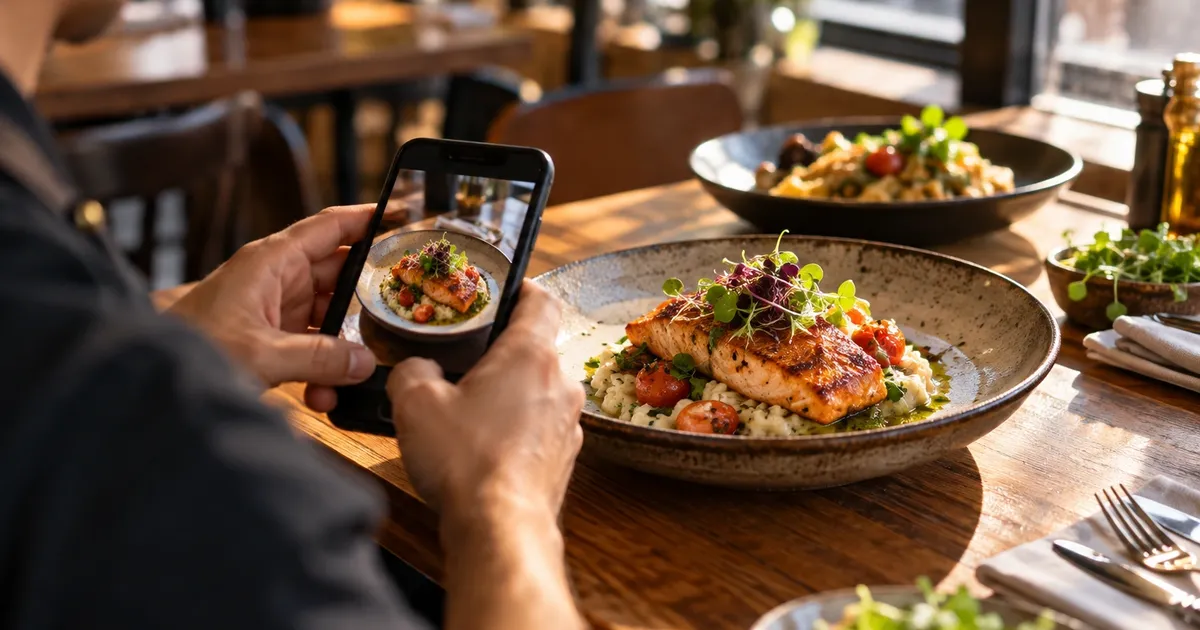
You don’t need a photographer. You need decent light and a phone. Shoot near a window in the afternoon, skip the flash, and get close enough that the dish fills the frame. A slightly imperfect photo of the plate you actually serve beats a polished stock photo of food you don’t, since customers are ordering based on what’s going to land on their table.
If you can only photograph a handful of dishes, start with the ones that sell more once people see them, and the ones nobody can picture from the name alone. Nobody needs a photo of a Coke. Everybody benefits from seeing what your signature dish actually looks like before they order it. And reshoot a dish once the plating actually changes: a photo from three menu updates ago does more harm than no photo at all.
Where to put the QR code so people actually scan it
The code itself barely matters, where it sits does. On a table tent, it should face whoever’s sitting down, not lean against a napkin holder at an angle nobody can read. On a sticker by the door, put it at eye level, not down by the handle where people are busy pulling it open.
Print it big enough to scan from a normal sitting distance, not a size that forces someone to lean over the table. Test it in your restaurant’s actual lighting at night, too. A code that scans fine under office lights can turn into a blur under a dim pendant lamp. Laminating helps it survive spills, just make sure the finish doesn’t glare under your lights. Keep one spare printed copy in a drawer, too. Table tents get knocked over and spilled on, and a bent code that won’t scan is worse than no code at all.
Where “free” plans usually stop being free
A lot of “free” digital menu tools aren’t free once you actually need them. Watch for:
- Item limits you find out about the hard way. Some pricing pages don’t mention a cap at all, so you only learn it exists when a paywall interrupts you mid-way through your dessert section.
- A trial, not a plan. “Free for 14 days” isn’t free, it’s a countdown to a bill.
- A watermark or ad on your menu. Technically free, but it doesn’t look like your restaurant’s menu anymore.
Read what “free” actually includes before you build your whole menu on it. Moving a finished menu to a different platform later is more work than checking this up front.
A QR code that just opens a PDF isn’t a digital menu
Some “digital menu” tools are just a QR code pointing at a PDF of your menu. That’s not too different from handing over a photocopy. The customer squints, pinches to zoom, and scrolls sideways to read a column that was built for paper, not a phone screen. And when a price changes, you’re not editing a page, you’re re-exporting a file and hoping the QR code still points to the right one.
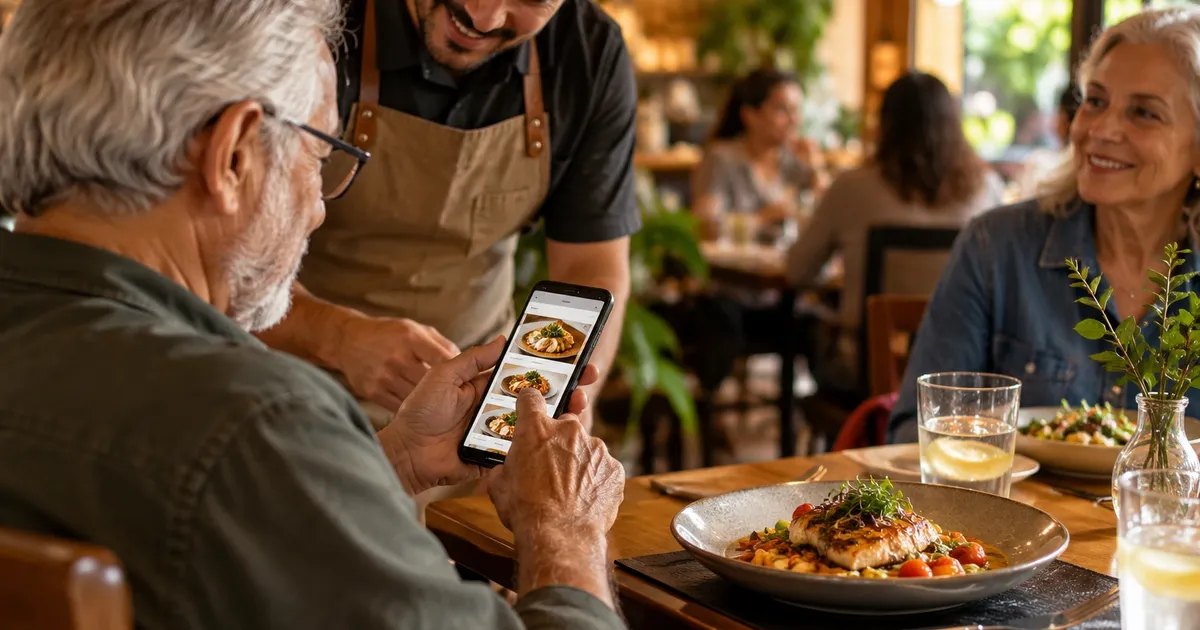
A real digital menu is a page built for scanning: sections you tap through, photos that actually load, and text sized for a phone in someone’s hand. Change a price on your end and everyone scanning the code sees it right away. No new PDF, no new code to print.
Keeping it free as your menu grows
A plan that’s genuinely free doesn’t quietly turn into a bill. That’s what to look for: a limit you know about from day one, no expiration date, no fine print that turns “free” into a 14-day trial.
Qrdapio’s free plan works like that: up to 10 items, a QR code, a menu in English, and a small watermark at the bottom, for as long as you want it, no card required and no clock running out. When you outgrow it, whether that’s more items or customers who don’t read English, Pro removes the item cap, adds Spanish and Portuguese so more of your customers can read the menu in their own language, drops the watermark, and lets you set your own cover photo, logo, and colors so the page looks like your restaurant instead of a template.
Quick answers
Do I need Wi-Fi at the restaurant for it to work? No. The menu is a normal web page, so it loads over the customer’s own phone data. Your router going down doesn’t take the menu with it.
How fast do price changes actually show up? Right away. There’s no separate step to publish and no overnight delay. The next person who scans sees whatever you saved a minute ago.
Can more than one person on my team update it? Yes. Anyone with the login can add items, change a price, or fix a typo from their own phone. No laptop to hand off between shifts.
What happens when I hit the free plan’s item limit? Nothing breaks. You just can’t add a 21st item until you either trim the menu or move to Pro, which removes the cap.
What if a customer doesn’t read English? They can still follow along from the photos and prices, which cover a lot. Pro adds Spanish and Portuguese so the actual names and descriptions translate too, not just the numbers.
Do I still need a printed backup? Not really, but plenty of owners keep one paper copy behind the counter for the rare guest whose phone died, or for the table that just doesn’t want to scan anything. Costs nothing to be ready for that.
The short version
You need your menu content, a platform to host it, and a QR code. Nothing else. Setup takes minutes, not a web developer. And before you commit, check whether “free” actually means free, or just means free until your menu is good enough to need it. Qrdapio’s free plan doesn’t expire, so you can find out for yourself without printing anything twice.