How to Create a Restaurant Menu That Sells More: 9 Practical Principles
Your menu does more than list what you sell. It can also help guests decide faster and discover the dishes that make the most sense for your restaurant.
A restaurant menu can look beautiful and still do very little to help the business sell.
That usually happens when the menu is treated as a list of dishes and prices instead of part of the buying experience. Guests use the menu to compare options, understand unfamiliar dishes, evaluate value, and decide where to spend their money.
Menu engineering brings together consumer behavior, pricing strategy, and sales data to improve that decision process. The goal is not to manipulate guests. It is to reduce uncertainty and make useful choices easier to find. Research also suggests that menu descriptions can influence how customers perceive quality and reduce uncertainty about what they are ordering. citeturn0search0turn0search4
Here are nine practical principles you can apply to a restaurant menu today.
1. Start with the dishes that matter
Before changing colors or fonts, look at your sales.
Which dishes sell frequently? Which generate a healthy contribution margin? Which have low sales even though they could be valuable to the business?
A simple starting point is to track two measures for every item:
- Popularity: how often it sells.
- Contribution margin: how much money remains after the costs directly associated with the item.
This is more useful than simply putting the most expensive dish first. Menu engineering is about understanding which items deserve visibility and which need a pricing, recipe, description, or positioning review.
2. Reduce the feeling of an endless menu
More choices do not automatically create a better experience.
When several dishes are almost identical, guests have to compare ingredients, sizes, sides, and prices before choosing. Clear categories make the decision easier.
Use sections such as:
- Starters
- Mains
- Burgers
- Pasta
- Desserts
- Drinks
Then ask a simple question about every item: if I removed this dish, would the guest lose a genuinely different option?
If the answer is no, the menu may have unnecessary repetition.
3. Write descriptions that remove uncertainty
“Grilled chicken with rice” tells the guest what exists. It does not tell them much about the experience.
A stronger description might be:
Char-grilled chicken, garlic rice, roasted vegetables, and house herb sauce.
The description quickly answers several questions: what comes with it, how it is prepared, and what makes it different.
A 2024 study in the International Journal of Hospitality Management examined different types of words used in restaurant menu descriptions and found evidence that language can help consumers reduce uncertainty when choosing a dish. citeturn0search4
A useful formula is:
main ingredient + preparation + sides + distinctive detail
You do not need all four elements every time. The rule is to provide enough information to make the choice easy.
4. Make strategic dishes easy to discover
If a dish sells well and also produces a healthy margin, hiding it among twenty other options makes little sense.
Give important dishes a clear presentation:
- a strong photo;
- a useful description;
- a subtle “house favorite” label;
- a prominent position within its category;
- a relevant pairing with a drink or side.
Do not label everything as a special. If every item demands attention, none of them does.
Menu engineering is built around the relationship between popularity, margin, and positioning: the menu should reflect business priorities rather than an arbitrary item order. citeturn0search0turn0search6
5. Use food photography selectively
A good photo can help. A bad photo can hurt.
You do not need a photo for every item. Start with dishes that matter to the business and dishes that are difficult to imagine from their names alone.
Use photos of the actual food, keep lighting consistent, avoid generic stock images, and replace a photo when the presentation of the dish changes.
For a digital menu, this matters even more because the customer is usually viewing the image on a small screen. A photo should help someone decide, not simply decorate the page.
6. Show prices clearly
Price is essential, but the way it appears is part of the experience.
Avoid turning every category into a rigid table of numbers that forces the customer to compare prices before understanding the dishes. Keep the price close to the item, together with its description and the information that matters.
Prices should also be reviewed regularly. Ingredient and labor costs change, and a menu that stays untouched for months may continue promoting dishes that no longer make financial sense.
Recent restaurant management guides emphasize evaluating popularity and margin together instead of setting prices once and forgetting about them. citeturn0search2turn0search5
7. Design the menu as a decision journey
A useful menu answers questions in roughly the order they appear in the guest’s mind:
- What does this restaurant serve?
- What looks good?
- What is in this dish?
- How much does it cost?
- Which option fits what I want?
- I want to order it.
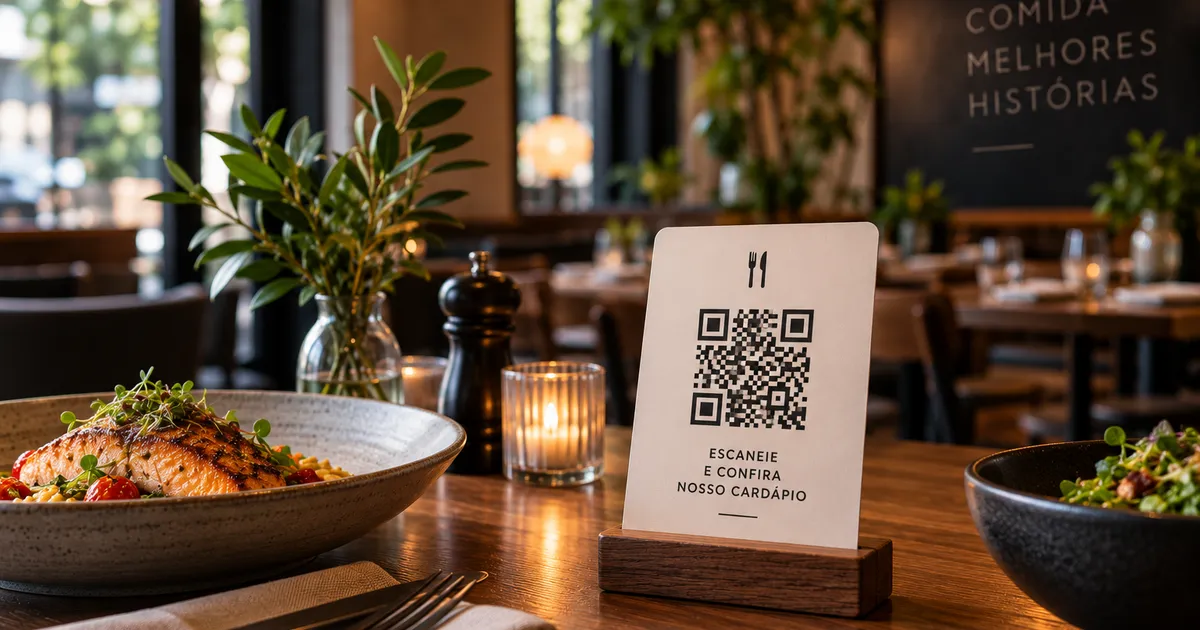
Digital menus can make this journey easier because guests can open a category, inspect a dish, read its description, and return to another section without zooming around a PDF.
Recent research on QR code menus also links information quality and interactivity with satisfaction and behavioral intention. citeturn0search15
8. Keep the menu updated
One of the biggest advantages of a digital menu is that you do not need to print a new menu for every change.
Use that advantage.
Remove discontinued dishes, update prices, replace outdated photos, highlight seasonal items, and test new descriptions.
Review the menu at least monthly and perform a deeper menu analysis every quarter.
9. Test one change at a time
You do not need to redesign the entire menu to improve it.
Start with a hypothesis:
“If I improve this dish description, more guests will choose it.”
Make the change and monitor sales.
Then test another:
“If I move this dish to the beginning of its category, does its share of orders increase?”
This turns the menu into a learning tool instead of a graphic asset that only gets updated when someone notices that it looks old.
A quick menu review checklist
Before publishing a new version, check:
- [ ] Categories are easy to understand.
- [ ] There are no unnecessary duplicate items.
- [ ] Important dishes are easy to find.
- [ ] Descriptions answer the obvious questions.
- [ ] Photos represent the actual dishes.
- [ ] Prices are current.
- [ ] Low-margin items have been reviewed.
- [ ] The menu works well on a phone.
- [ ] Drinks and desserts are easy to find.
- [ ] Important ingredients and allergens are communicated clearly.
What changes when the menu is digital?
A digital menu lets you make these decisions without waiting for another print run.
With Qrdapio, you can organize dishes into categories, add descriptions and images, and publish a page that customers access through a QR code. Restaurants that serve international visitors can also offer English and Spanish versions, which is especially useful when guests cannot understand Portuguese dish names or descriptions.
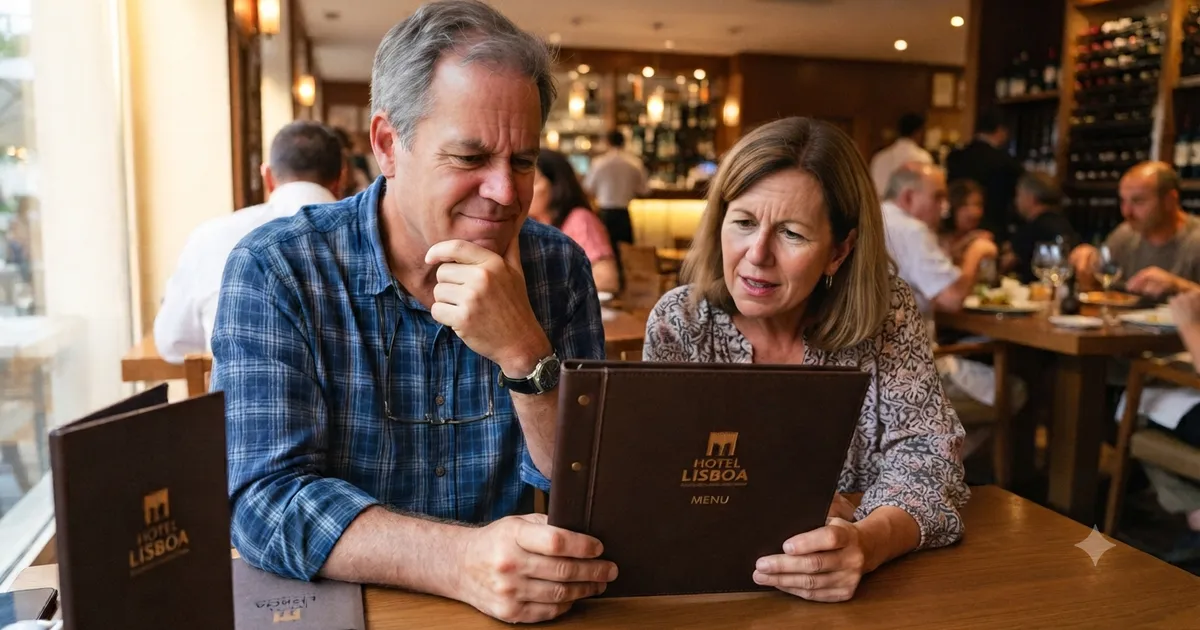
If you are starting from scratch, our guide to a free digital menu covers the basics. If international guests are a regular part of your business, see our guide to multilingual hotel menus.
The point is not to add technology for its own sake. It is to make the information easier to use and the menu easier for the restaurant to maintain.
Frequently asked questions
Does a beautiful menu really increase sales?
Design alone does not guarantee sales. Good design improves hierarchy, reduces uncertainty, and makes important items easier to find. Content, organization, descriptions, and sales data need to work together.
How many dishes should a restaurant have?
There is no universal number. The right size depends on the restaurant, kitchen, and concept. A useful rule is to remove redundant choices while keeping enough variety for different guest needs.
Should every dish have a photo?
Not necessarily. Selective photography can work better than turning the whole menu into a grid of images. Prioritize important dishes and items that benefit from visual explanation.
What is menu engineering?
Menu engineering is a method that combines sales data, contribution margin, and menu design to decide which items should be highlighted, adjusted, redesigned, or removed. The framework is decades old, but the business problem remains the same: not every item deserves equal space and attention. citeturn0search0
Does a digital menu replace table service?
No. Technology can answer simple questions and make information accessible, but hospitality remains important. Recent industry reporting shows that diners continue to value human interaction, especially when digital service becomes impersonal. citeturn0news32
Summary
A menu that sells more does not need to be filled with effects, photos, or promotions.
It needs to make decisions easier.
Start with your sales data. Remove redundant choices. Write useful descriptions. Highlight the right dishes. Use photography selectively. Keep prices current and review the menu regularly.
When the menu is digital, you gain another advantage: these improvements can be made quickly without waiting for a new print run.
The best time to review your menu is before it becomes obviously outdated — while you can still improve the next decision every guest makes.