A Multilingual Digital Menu for Hotels
A guest who can't read your menu orders less, orders wrong, and calls the front desk to ask what's in the chowder. A multilingual QR code menu fixes that, and you don't need a translator or a print shop.
Every hotel front desk has lived this scene: a guest calls from the room trying to order room service, and the call turns into an improvised cooking-vocabulary lesson across a language gap. What’s in the chowder? Is there shellfish in it? Is a “biscuit” a cookie? A multilingual digital menu solves this before the phone rings: the guest scans a QR code, picks a language, and reads the whole menu in their own words. Here’s why this matters more in a hotel than anywhere else, and how to set yours up.
Why hotels are where this matters most
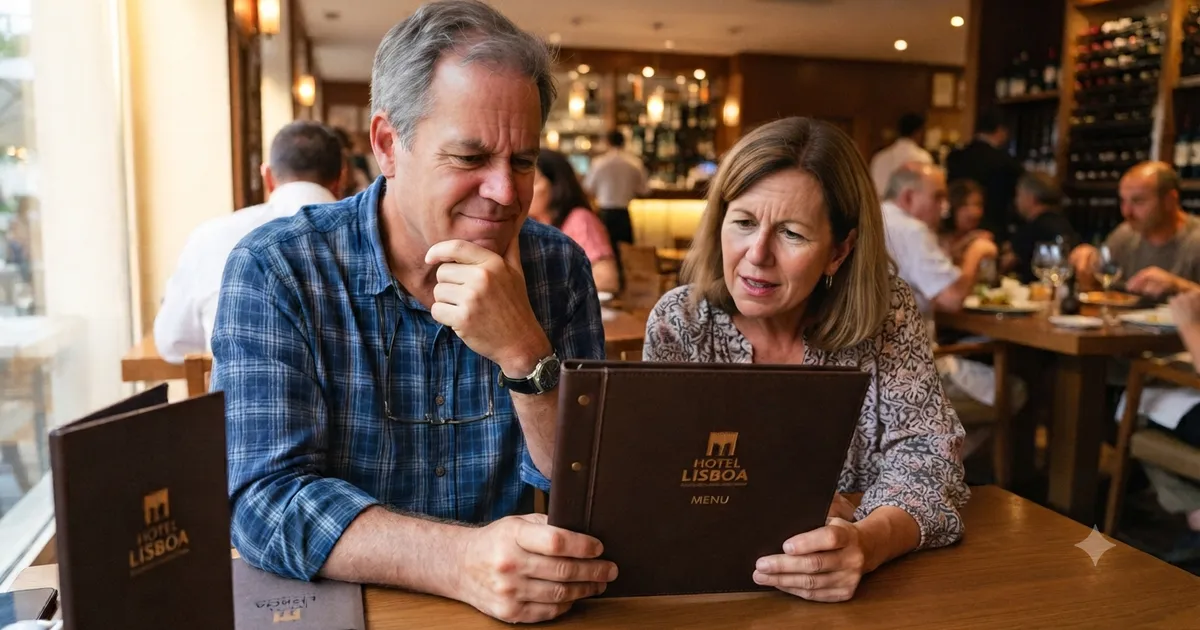
A street restaurant gets the occasional tourist. A hotel gets travelers by definition. That’s the whole business. A good share of your guests don’t read the language your menu is written in, and every one of them meets that menu at least three times: at breakfast, in the restaurant, and in the room service menu sitting next to the bed.
And when a guest can’t understand the menu, the story ends one of these ways:
- They order less. When in doubt, people order what they recognize: fries, a bottle of water, maybe a sandwich. The most expensive dish on your menu never makes it onto the bill of someone who couldn’t understand its name.
- They order wrong. A wrong dish in a hotel is far more than kitchen rework: it can be an allergic guest who didn’t catch the word “peanut”, or someone who doesn’t eat pork finding out on the first bite.
- They tie up your staff. Every “what is this dish?” call is your front desk translating a menu over the phone instead of checking someone in.
Then there’s the effect that shows up later: the online review. “Menu only in English, hard to order” is exactly the kind of line a foreign guest writes in a review, and the kind the next foreign guest reads before booking.
Google Translate won’t solve this for you
Plenty of hotels lean on the guest’s phone camera pointed at a paper menu. It sort of works, and the “sort of” is doing a lot of work. Machine translation of dish names comes out literal: shrimp and grits turns into something unrecognizable, biscuits and gravy reads like a dessert with sauce, and “chef’s special” becomes a mystery in any language.
Worse: the guest is left guessing what the machine translation meant. If they guess wrong, the frustration lands on your hotel, not on the app. A menu translated for real, written once and reviewed by you, takes that lottery off the table. You decide how each dish is described in Spanish and Portuguese, with the right ingredients, and every guest reads the same thing.
How does a multilingual digital menu work?
It’s simple: the guest scans a QR code, the menu opens in their phone’s browser, and a language selector at the top lets them switch to Spanish or Portuguese. Every dish’s name and description appear in the chosen language. Prices stay the same; only the text changes. No app to download, no sign-up.
On your side, you write each dish once per language, in separate tabs when you add it. It’s not a system translating on its own: it’s your text, written the way you want the dish presented. If you change a price or take a dish offline, the change applies to every language at once, because it’s a single menu.
Where the QR code works inside the hotel
The advantage of a menu that lives in a QR code is that it can be everywhere a guest gets hungry, without printing a separate menu for each spot:
- In the room. A sticker or small card next to the phone replaces that room service binder nobody has updated since the last price change. The guest reads it in their own language and calls already knowing what they want.
- In the restaurant and at breakfast. A table stand with the code. The waiter stops being a translator and goes back to being a waiter.
- At the pool bar. Where paper menus get soaked, a laminated QR code survives.
- At the front desk. For the guest who arrives late and wants to know if there’s still time to order something.
The code is the same at every spot. You print it once, and changes happen only in the online menu.
What changes in day-to-day operations
The most obvious win is guests ordering on their own, with no go-between. But there are smaller gains that add up:
- Price changes without reprinting. Shrimp costs went up? You change it on your phone and you’re done. No room binders to collect, no print shop to pay. Anyone who has ever updated the room service menu in 40 rooms knows the size of that relief.
- Seasonal menus without drama. The winter dish goes in, the summer dish comes out, and the printed QR code stays the same.
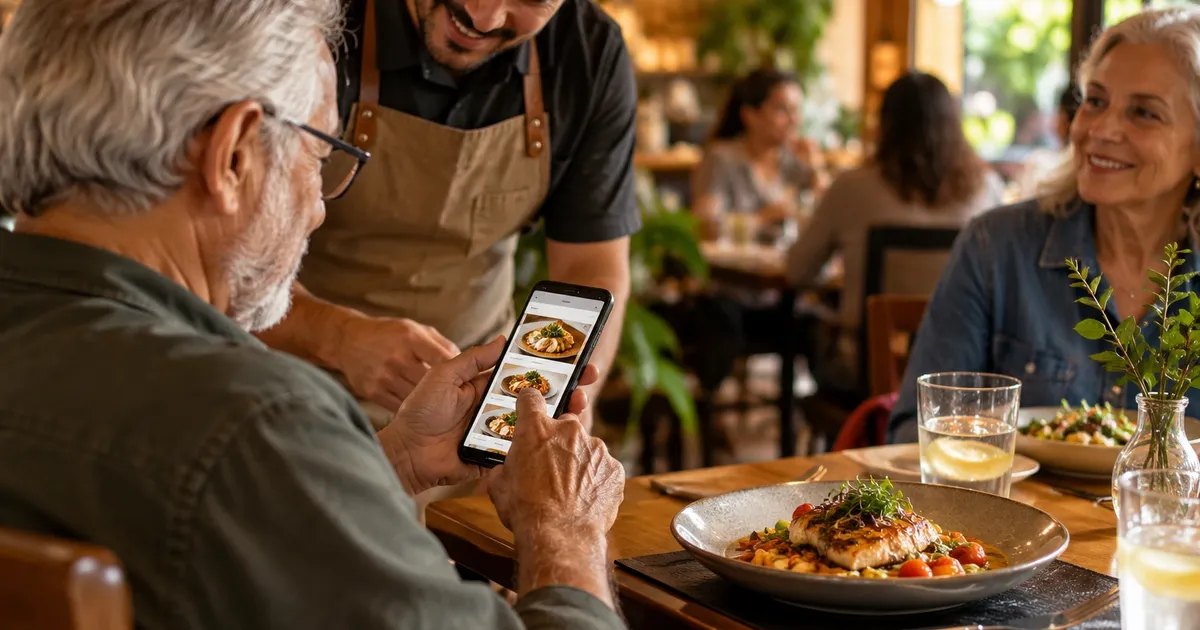
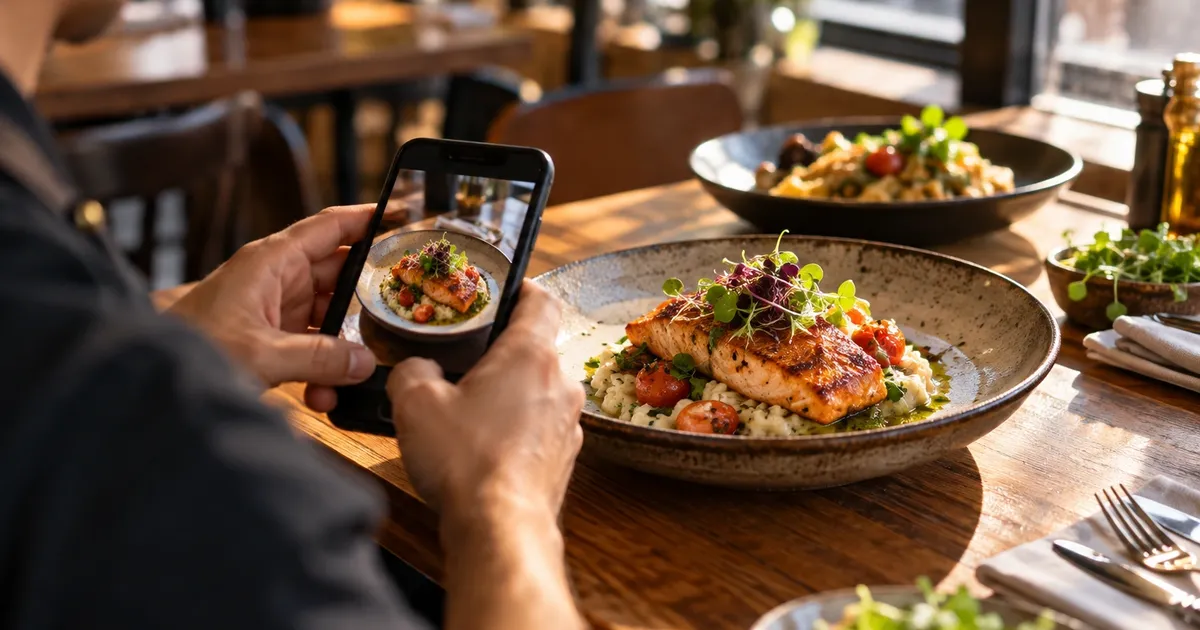
- Photos that sell instead of the waiter. A good photo of the dish answers half the questions before they’re asked. For a guest who can’t read the language, the photo is half the decision.
- Fewer mistakes between the order and the kitchen. The guest ordered while looking at the dish’s real name, not a translation improvised over the phone.
How to build yours with Qrdapio
Qrdapio is a QR code digital menu platform, and the Pro plan exists exactly for this case: a menu in English, Spanish, and Portuguese, with a language selector for the guest. Setting yours up takes less time than a staff meeting:
- Create your account and enter the menu in English. Sections, dishes, descriptions, and prices. If it’s already in the room service binder, just carry it over.
- Add Spanish and Portuguese. Each dish has language tabs. You write the Spanish and Portuguese versions of the name and description at your own pace, dish by dish.
- Add photos to your best sellers. You don’t need a photographer. You need window light and the actual dish that comes out of your kitchen.
- Print the QR code and spread it around. Rooms, tables, the bar, the front desk. The code never changes, so this print run is the last one.
- Scan it yourself and switch languages. Check what the guest will see, in every language, before any guest does.
You can start on the free plan with the menu in one language, and turn on the other languages when it makes sense. No trial clock running, no credit card to try it out.
Quick answers
Which languages can the menu have? English, Spanish, and Portuguese. For most hotels that covers the bulk of international guests: English works as the common language for European and Asian travelers, Spanish reaches guests from across Latin America and Spain, and Portuguese covers Brazilians, one of the largest groups of travelers in the Americas.
Does the guest need to download an app? No. They scan the QR code with their phone camera and the menu opens in the browser, with the language selector right at the top. It works on their mobile data, without depending on the hotel Wi-Fi.
Who writes the translations? You, or someone on your team. Qrdapio gives you language tabs for each dish; the text is yours. That way the Spanish description says exactly what you want, with no machine-translation surprises.
Do I need a separate QR code per language? No, it’s a single code. The guest picks the language after opening the menu. You print once and use it in the room, on the table, and at the bar.
What happens when a price changes? You update it from your phone and everyone who scans sees the new price immediately, in every language. No room binders to collect, no PDF to regenerate.
Can room service and the restaurant have different menus? Today each account has one menu, so the common approach is to use sections: a “Room service” section with the dishes available in the room, and the other sections for the dining room.
Summary
Hotels live off people who came from somewhere else, and a menu that exists in only one language charges for that every day: smaller orders, wrong orders, and staff translating over the phone. A multilingual digital menu solves it with one QR code the guest scans in the room, at the table, or at the bar, reading everything in their own language. With Qrdapio, you enter the menu once, write the Spanish and Portuguese versions in each dish’s tabs, and print a single code that never changes. The free plan lets you build the whole thing in one language before you decide anything.